
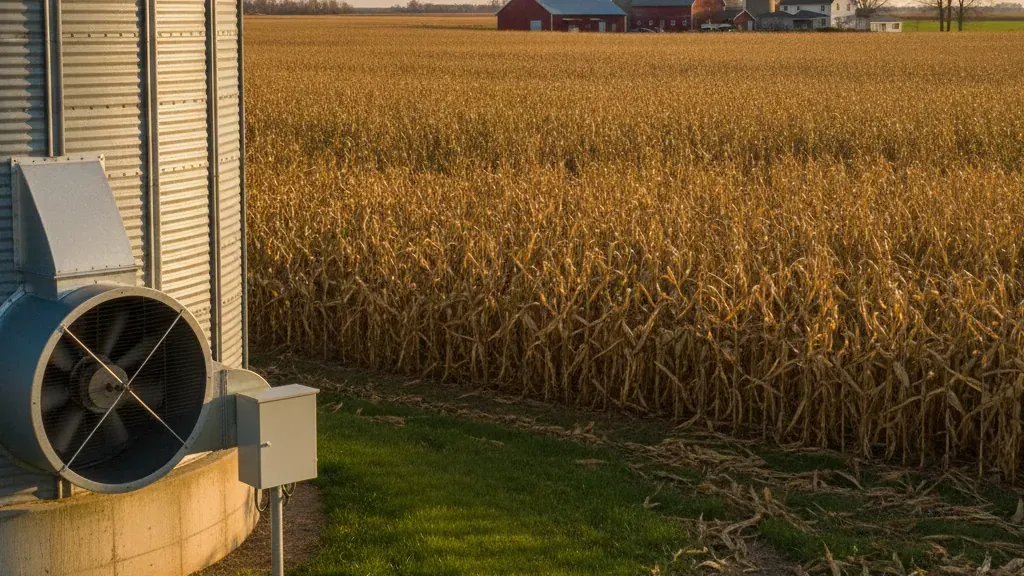
Automated grain bin fan control uses temperature, humidity, and user-defined set points to decide when a bin fan should run. Instead of relying only on a clock, a weather guess, or a trip to the bin, the system applies the same operating rules each time conditions change. For the larger storage picture, see Farm Shop MFG’s grain fan automation and drying control guide.
Talk with Farm Shop MFG about automated fan control for your grain bins.
What Is Automated Grain Bin Fan Control?
Automated grain bin fan control is a moisture-management system that switches aeration fans on or off when measured temperature and humidity conditions match the settings for the stored grain. It helps a farmer ventilate when outside air is useful, avoid unnecessary run time, and respond more consistently than manual switching alone.
A fan controller does not replace good storage practices. It applies a defined operating plan to the equipment you already use, while the farmer remains responsible for choosing appropriate settings, inspecting the bin, and responding to alarms or unusual conditions.
How Does Automated Grain Bin Fan Control Decide When to Run?
The controller compares current temperature and humidity readings with the high and low limits entered by the operator. When the conditions fall inside the useful operating range, it can energize the fan. When conditions move outside that range, it can stop the fan or hold it off until the next suitable window.
The decision is best understood as a loop rather than a single timer:
- Measure: The system reads the conditions used for the farm’s control plan.
- Compare: The readings are checked against the selected temperature, humidity, and moisture targets.
- Run or hold: The fan runs when the conditions support the plan and stays off when they do not.
- Track: Operating time and changing conditions give the operator a record to review.
That loop matters because the best fan window can change while a farmer is planting, hauling, or managing several bins. A controller can continue checking the inputs instead of treating the calendar as the only answer.
Why fan timing affects stored grain
Aeration moves air through stored grain to help maintain a cooler, more uniform temperature. The University of Minnesota Extension guidance on stored-grain aeration explains that uniform temperatures reduce moisture migration, mold development, and insect activity. Its guidance is a useful reminder that fan operation is not simply about moving the most air possible. The timing and conditions of that airflow matter.
Running a fan when the air is not suitable can add unnecessary operating hours or move the grain away from the intended moisture condition. Holding the fan until the conditions are more appropriate can support the storage plan. The exact settings depend on the crop, grain condition, bin design, and local weather, so use agronomic guidance and the equipment manufacturer’s instructions when selecting them.
What Data Does an Automated Grain Bin Fan Control System Need?
An automated fan controller needs the measurements and limits that describe the storage decision: temperature, humidity or moisture-related conditions, and the operator’s desired high and low set points. A useful setup may also connect to in-bin monitoring so the fan response can be considered alongside what is happening inside the grain.
In practical terms, the system needs both an input and a rule. The input describes current conditions. The rule describes what the farmer wants the fan to do when those conditions change. Without the first, the controller is operating blind. Without the second, it cannot distinguish a useful aeration window from a poor one.
- Outside conditions: Ambient temperature and humidity help determine whether ventilation supports the current storage objective.
- In-bin conditions: Grain temperature and humidity readings help identify changes inside the bin that a switch at the fan cannot see.
- Set points: High and low limits define when the system should allow, stop, or resume fan operation.
- Run history: Recorded fan hours help the operator understand how the system has been operating and plan maintenance.
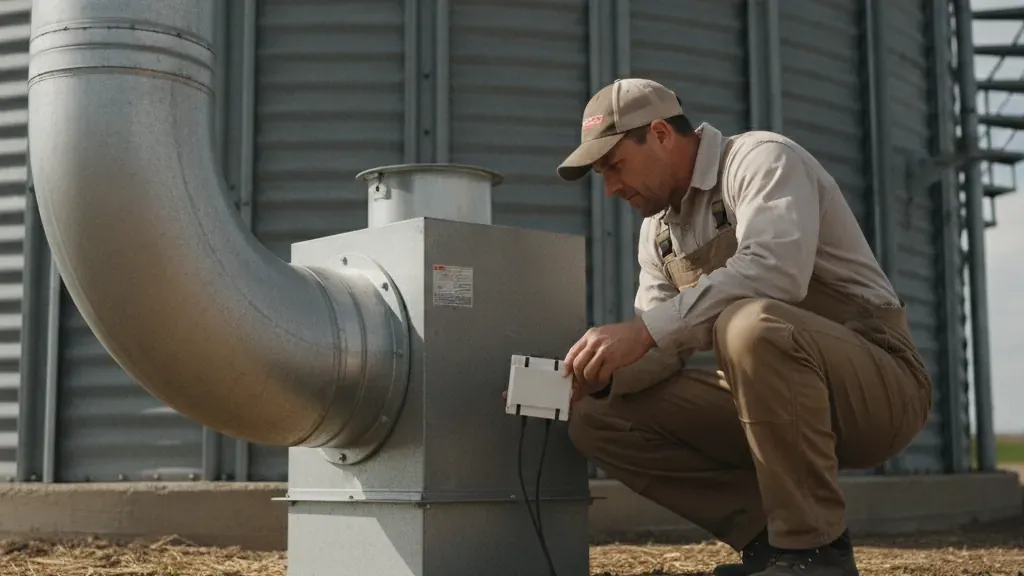
Farm Shop MFG’s EndZone system is designed around this control approach. Its product information describes automatic fan control based on temperature and humidity, integration with Grain Temp Guard monitoring, and tracking of fan operation hours. That combination separates the job of observing bin conditions from the job of switching the fan at an appropriate time.
Automated vs. Manual Fan Control: What Is the Difference?
Manual fan control depends on a person checking conditions and turning a switch on or off. Automated control uses measured inputs and stored settings to make the switching decision repeatedly. Manual control can still be useful for inspection, overrides, and unusual situations, but automation reduces the number of routine timing decisions.
| Manual control | Automated control |
|---|---|
| Operator checks the bin and weather, then switches the fan. | Controller evaluates the configured conditions and switches the fan when they match. |
| Fan timing can be missed when work takes the operator away. | The system can keep checking during changing weather and harvest demands. |
| Run time may be estimated from memory or a basic timer. | Fan hours can be tracked for review and maintenance planning. |
| Each decision depends on the person making the check. | The same defined set points are applied consistently until the operator changes them. |
Automation does not mean set it and forget it. The operator still needs to confirm that the fan, power supply, probes, and safety equipment are working. A controller also cannot correct a poor initial setting or a storage problem that requires physical inspection. Its value is consistency, not a promise that every grain-management decision can be made without judgment.
How the EndZone Controller Works with Grain Temp Guard
EndZone manages the fan response, while Grain Temp Guard provides temperature and humidity monitoring with alarm capability. Used together, the systems create a practical sense-and-respond workflow: monitor conditions, identify a change, operate the fan when the configured conditions are suitable, and review the result.
That division of work is important. A monitoring device can tell you that a reading is changing, but it does not automatically answer whether the fan should run. A fan controller can switch equipment, but it needs reliable conditions and appropriate limits. Linking the two helps the operator connect an alert or reading to a controlled response.
For example, a farmer may use Grain Temp Guard to watch for abnormal temperature or humidity changes and EndZone to manage fan operation according to the selected control plan. The response still needs to fit the crop and storage conditions. If a reading is unexpected, inspect the bin and follow the appropriate grain-storage procedure instead of assuming the controller has solved the cause.
Farm Shop MFG’s EndZone controller page explains the product’s moisture-management approach, including operation based on temperature and humidity conditions. The companion grain bin temperature monitoring guide covers why early visibility inside the grain matters.
When Does Automated Fan Control Make Sense?
Automated fan control makes the most sense when a farm manages enough stored grain that missed fan windows, repeated manual checks, or unnecessary run time create real labor, energy, or moisture risk. It is especially useful when the operator wants fan decisions tied to measured conditions instead of a fixed schedule.
Before choosing a system, review the bin sizes, fan horsepower, crop mix, probe locations, power supply, and the control objectives for each bin. Farm Shop MFG describes EndZone applications for bins in the 3,000 to 45,000 bushel range, with larger bins requiring consultation. Fit depends on the actual installation, so confirm the configuration rather than assuming one controller fits every bin.
The financial case also depends on the operation. EndZone materials describe automated operation as a way to avoid unnecessary fan hours and manage moisture more deliberately. The result on an individual farm will vary with crop, initial moisture, weather, energy rates, bin capacity, and the settings used. Measure those inputs before promising a payback period.
Contact Farm Shop MFG to review your bin setup and fan-control questions.
Frequently Asked Questions
Q: Does automated grain bin fan control turn the fan on at a fixed time?
A: Not necessarily. A controller can use temperature, humidity, and operator-defined set points so the fan responds to conditions rather than a clock alone.
Q: Can automated fan control prevent every grain-storage problem?
A: No. It can make fan timing more consistent, but it does not replace inspections, sound grain-management practices, correct settings, or maintenance of the bin and fan equipment.
Q: Can EndZone work with Grain Temp Guard?
A: Farm Shop MFG describes EndZone as integrating with Grain Temp Guard systems. The monitoring system provides visibility and alarms, while EndZone manages the fan response based on the configured conditions.
Q: What should I check before installing an automated fan controller?
A: Confirm the bin capacity, fan horsepower, crop and moisture objectives, probe arrangement, power requirements, and the temperature and humidity limits you want the system to use. Ask Farm Shop MFG to review the setup before ordering.
Q: Is automated fan control the same as grain temperature monitoring?
A: No. Monitoring measures and alerts on conditions. Fan control operates the equipment in response to selected conditions. They solve related but different parts of the grain-storage problem.